

ID Photo Maker
1×1, 2×2 or passport size, on the background colour your form asks for, laid out on a sheet you can print. Made in your own browser.
A one-time download of about 16 MB. Your browser keeps it, so next time is instant.
This takes a second on a computer and a few seconds on a phone.
Drag to move. Fit the head, from chin to the top of the hair, inside the oval.
Every size in the package uses this position. The sheet below shows them all.
Mixed sizes on one sheet, from the same photo.
“Keep mine” leaves the photo's own background, for one already taken against a plain wall.
Fixes the light only. It does not smooth or change the face, so the photo still looks like you.
Printed in a white strip at the bottom of the photo. Type it the way your form asks for it.
Print the sheet at actual size (100%), not “fit to page”, or the photos come out the wrong size.
On photo paper, cut to size, for pickup in Caloocan or delivery. We reply with the price before anything is printed.
The photo is made on your own phone or computer and is not uploaded. The only time it reaches us is if you ask us to print it.
- Face a window or a light. No bright light behind you.
- Look straight at the camera, shoulders level, hair off the face.
- Have someone else take it from an arm's length or more. A close selfie bends the face.
- Wear a collar if your form asks for one.
Offices differ on size, background colour and name tags, and passport photos are often taken at the office itself. Check what your form asks for before you print.
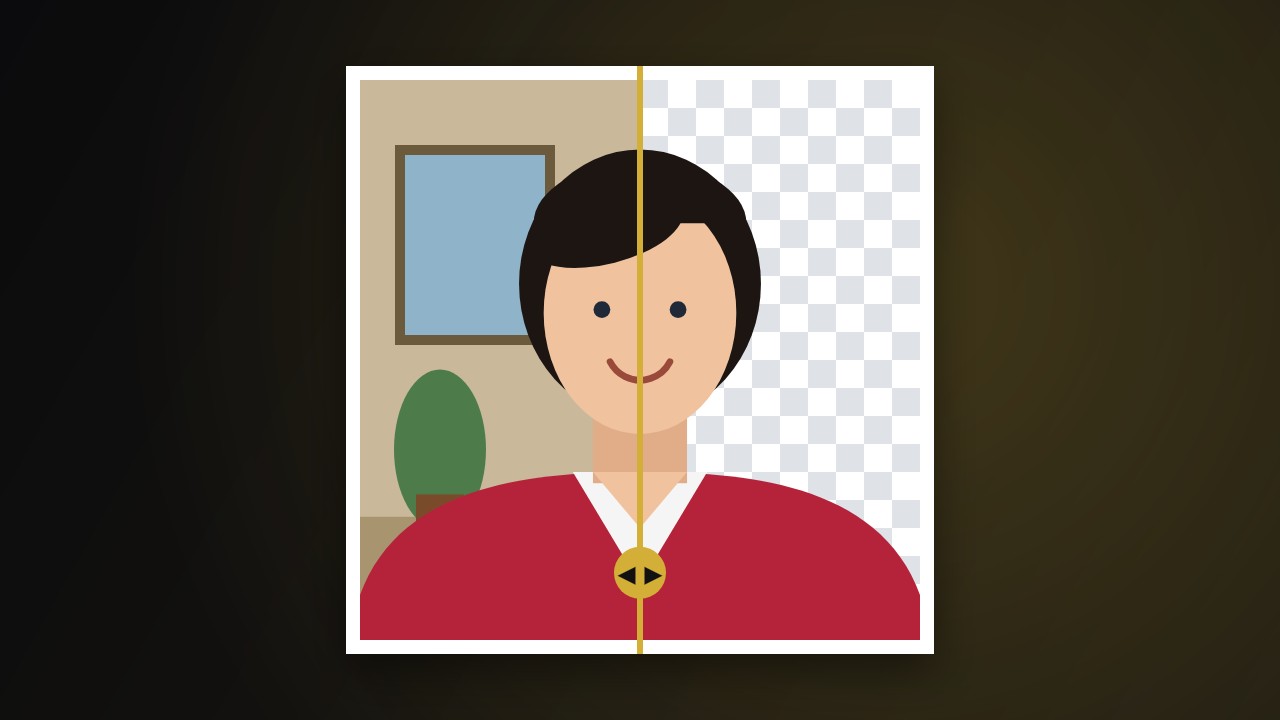 Only need the background gone?
The Background Remover gives you a see-through PNG →
Only need the background gone?
The Background Remover gives you a see-through PNG →