


Photobook Maker
Your photos as a landscape A4 photobook: collage pages laid out for you, a cover with your title, and a PDF to print — or have us print and bind it.
Drag the photo to move it in its space. To put a different photo here, tap one in “Your photos” below.
Tap a photo to move or change it. The title, style and font are under “Cover” beside the book.
The back cover is left white, with a little about who printed it.
Printed back to back, this side of the sheet is left blank so the pages face each other the right way.
“New layouts” keeps each page's photos and arranges them a new way. “Lay out again” deals the photos into pages afresh. Locked pages stay as they are.
Print at actual size (100%), two-sided, flip on short edge. Each page has extra room on its bound edge for binding.
Print at actual size (100%), one side only. Each page has extra room on its left edge for binding.
Printed on A4 and wire-bound along the side, for pickup in Caloocan or delivery. We reply with the price before anything is printed.
The book is made on your own phone or computer and your photos are not uploaded. It is kept in this browser so you can come back to it. The only time the pages reach us is if you ask us to print them.
- Photos go into the pages in the order you add them. Tick “Mix up the order” for a surprise.
- Mark a photo ☆ to make it the big one on its page the next time the page is laid out.
- Happy with a page? Lock it, and new layouts leave it alone.
- Most printers cannot print right to the edge, so a coloured page comes out with a thin white rim.
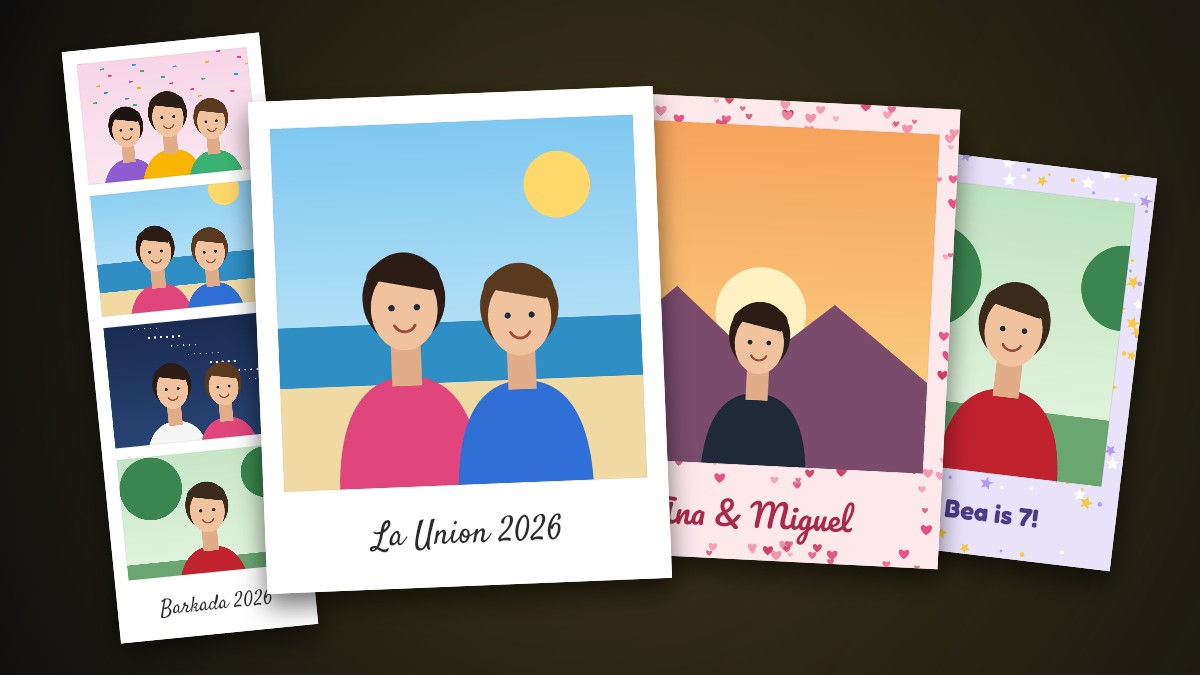 Want loose prints too?
Instant-film photos and photo booth strips →
Want loose prints too?
Instant-film photos and photo booth strips →